QR DESIGN STUDIO
QR design generator
Turn a link or text into a QR design. Choose a style, explore variations and download your favorite.
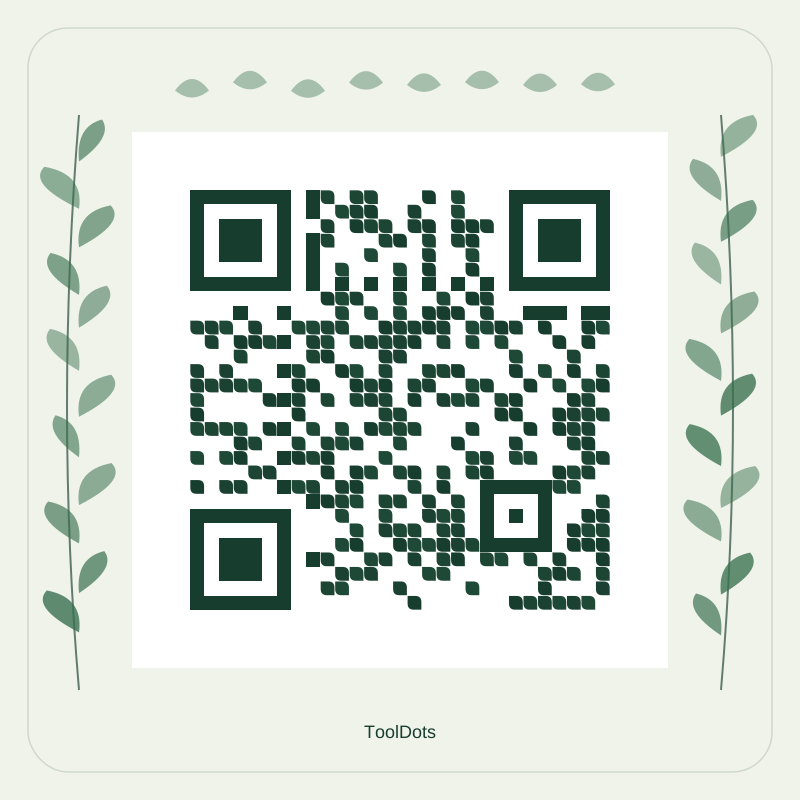
Add a link or text to see your design.
Changes appear here as you create.
Ready to download
Test the downloaded code with your phone at the intended print size before sharing.
Make it yours in three steps
- Add the link or text you want people to scan.
- Choose a design and colors, then explore variations.
- Download PNG or SVG and test a scan at the size you will use.
Same message, many possibilities
Variations change the decoration while preserving the link or text in your code. Keep the space around the code clear when placing it in your own layout.
QR code questions
Does ToolDots use AI to design QR codes?
No. ToolDots creates decoration from shapes, colors and rules. You can explore different variations while the encoded URL or text stays the same.
Do these QR codes expire?
The QR code stores your URL or text directly. ToolDots does not manage an expiration date or redirect service. A linked website may change or become unavailable.
Is my QR content uploaded?
No. QR content is processed locally in your browser and is not uploaded to create the code.
Should I download PNG or SVG?
Choose PNG for a ready-to-use pixel image. Choose SVG for a scalable vector image that stays sharp when resized, including for print layouts.
How can I check that my QR code scans?
Scan the downloaded code with your phone at its actual display or print size. Preserve the clear white border around the code and check the destination before sharing.